Big Digital Downloads vs fileflare.io: Which App is Better for Your Shopify Store?
By

Imagine you're a fitness creator who just spent three months filming a high-definition video course. You launch your store on Shopify, the sales notification pings, and then the emails start. "The link doesn't work." "I can't open the file on my iPhone." "Where is my download?" You aren't just losing sleep: you're losing the trust you worked so hard to build. Choosing between Big Digital Downloads and FileFlare (formerly known as Digital Downloads Pro) often comes down to how you want to handle these support tickets before they even happen. Both apps solve the same core problem of delivering digital files, but they do it with different philosophies on speed, protection, and pricing. By the end of this guide, you will know exactly which app fits your specific catalog and technical comfort level.
Why choosing the right delivery app matters
Your delivery app is the only part of your business that works while you sleep, so it has to be perfect. If a customer buys a $49 Notion template and has to wait ten minutes for an email, they are already looking for a refund. Modern buyers expect instant gratification. They want to see a download button on the "Thank You" page the second their payment clears. If your app fails, your brand fails.
The stakes are higher for creators like Thomas Frank, who has built a massive business selling productivity systems. When you operate at that scale, even a 1% failure rate in link delivery results in hundreds of support tickets. You need a system that integrates deeply with Shopify to ensure that every order, regardless of size or complexity, reaches the customer immediately and securely.
Key challenges in digital product delivery
The biggest technical hurdle for most sellers is handling large file sizes without breaking the bank. A 4GB video course or a high-resolution photography bundle can be difficult to host and deliver reliably. Many apps struggle with bandwidth limits, which can lead to slow download speeds for your customers in different geographic regions. This is a common pain point for creators selling on Gumroad who move to Shopify for more control.
Expired links and download limits
Customers often lose their files or try to download them months later. If your app has strict link expiration rules that you can't customize, you will be manually resending links every day. You need the ability to set "evergreen" links or at least have a simple way for customers to request a refresh without emailing you. Managing these limits is essential for protecting your profit margins.
Mobile compatibility issues
Many customers buy digital products on their phones but want to use them on their computers. If your delivery link only works once and the customer clicks it on their iPhone, they might not be able to save the file. This is especially true for Zip files or specialized software installers. Your app must provide a clear way for customers to access their downloads across multiple devices without triggering security blocks.
What to look for in a digital delivery partner
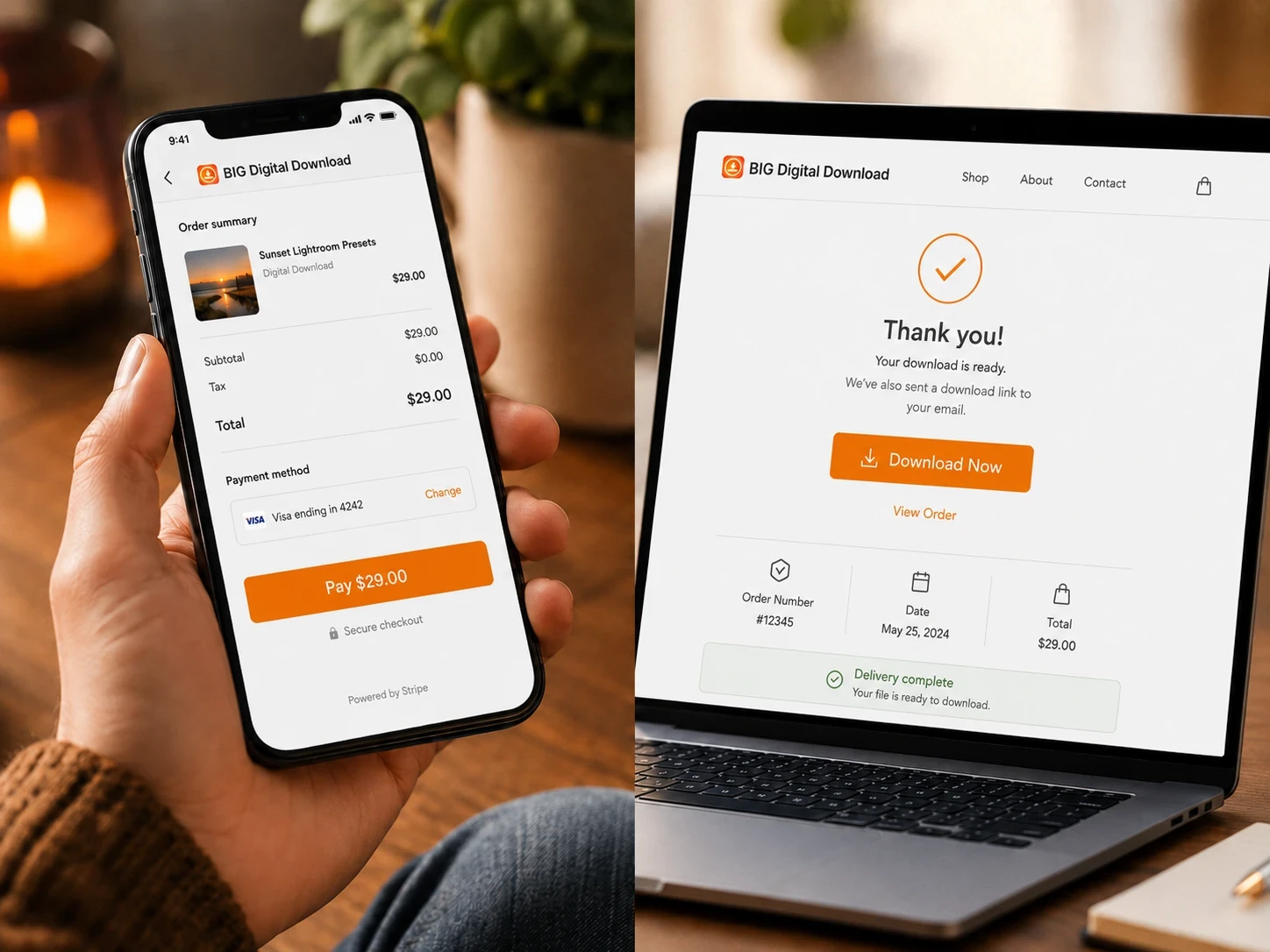
The most important buying criterion is how the app handles the customer experience after the checkout. You should look for an app that places a download button directly on the Shopify order confirmation page. This single feature can reduce support inquiries by up to 40% because it removes the "where is my email" step. If an app requires the customer to wait for an external email, you are adding unnecessary friction.
Security is the second major factor. You need PDF stamping if you sell ebooks or guides. This process puts the customer's name and email on every page of the document to discourage piracy. While you can't stop all theft, making it clear that the file is tied to a specific buyer is a powerful deterrent. Always check if the app charges extra for this or if it is included in the base price.
How to set it up on Shopify
Setting up your digital store should be a "set it and forget it" process. With Big Digital Downloads, the setup is focused on speed and native integration. You don't have to learn a complicated new dashboard because the app lives inside your Shopify admin. This makes it much easier to manage your inventory alongside your physical products if you run a hybrid store.
Step 1: Upload your assets
First, you upload your files directly to the app. Big Digital Downloads supports files up to 5GB, which covers everything from small PDFs to large video courses. If you are selling something like Canva templates on Etsy, you would likely upload a "Thank You" PDF that contains the links to your templates. The process is identical for Shopify, but much more automated.
Step 2: Link to Shopify products
Once your files are uploaded, you attach them to your existing Shopify products. You can attach multiple files to a single product, which is perfect for bundling and upselling digital products on Shopify. When a customer buys that product, the app automatically identifies which files to deliver based on the SKU.
Step 3: Customize your delivery
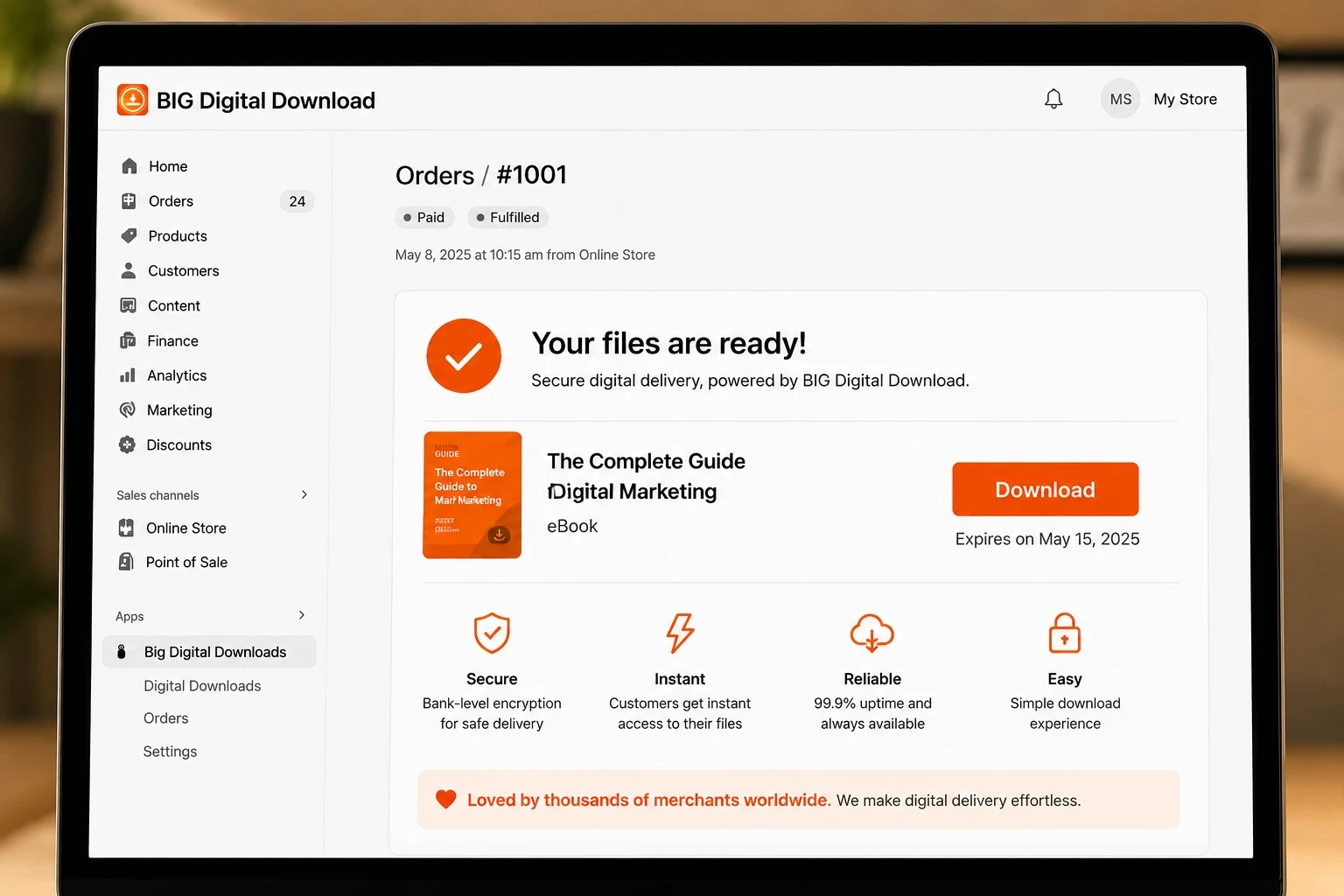
Finally, you decide where the download links appear. You can send an automated email, but we highly recommend that you also add a download button to the Thank You page on Shopify. This ensures that the customer can start using their purchase immediately. If you want to see this process in action, Digital Store Ideas walks through a full setup of a digital store in under 10 minutes. This video is great because it shows the real-time difference between various app interfaces. Recommended video: How to Sell Digital Products on Shopify by Digital Store Ideas.
Big Digital Downloads vs fileflare.io
When comparing these two apps, the choice usually comes down to your specific file types and your need for technical data. Big Digital Downloads is the winner for merchants who value speed and simplicity. It offers a free plan that includes 250MB of storage and 50 orders per month, which is perfect for new sellers. It feels like a natural extension of Shopify, making it the best choice for those who are selling ebooks and PDFs on Shopify.
FileFlare is a powerful alternative for merchants who need deep technical control. One thing FileFlare does better than Big Digital Downloads is providing detailed IP address tracking for every single download. If you sell high-ticket software and you are worried about a single license being shared across hundreds of computers, FileFlare’s granular data is a major advantage. They also offer a "Pay as you go" bandwidth option, which can be cheaper if you have massive files but low sales volume.
However, FileFlare requires you to use an external dashboard for many settings, which can feel disconnected from your Shopify store. Big Digital Downloads keeps everything in one place. Additionally, the setup for PDF stamping and license keys is much more intuitive in Big Digital Downloads. If you want an app that "just works" without a steep learning curve, Big Digital Downloads is the better fit for your daily operations.
Tips for a successful digital launch
The most successful digital sellers don't just sell a product: they sell a solution. Instead of selling a single Lightroom preset, create a bundle of 50 presets and include a "How to Install" video. This increases the perceived value of your store. You can use "Value Math" to show your customers exactly how much they are saving. For example: 50 presets sold individually for $5 each would cost $250, but your bundle is only $49.
Another tip is to offer a "Freebie" to build your email list. You can use the free plan of Big Digital Downloads to deliver a small PDF guide or a checklist. This allows you to test your delivery system without any upfront costs. Many top sellers on Stan Store use this "lead magnet" strategy to warm up their audience before pitching a high-ticket course.
FAQ
Does Big Digital Downloads limit the number of products?
No, Big Digital Downloads allows you to have unlimited products even on the free plan. The limits are only based on your total storage and the number of orders you process each month. This is a huge benefit for artists who have a large catalog of small designs.
Can I migrate from FileFlare to Big Digital Downloads?
Yes, you can migrate by exporting your product list and re-linking your files in the new app. While there is no automatic "one-click" migration tool between different apps, the process is simple because both apps use your Shopify Product IDs to track orders.
Does FileFlare work with Shopify POS?
FileFlare is primarily designed for online stores. If you sell digital products in person via Shopify POS, you must ensure the customer's email is captured correctly so the system can trigger the automated download email.
Which app is better for selling software license keys?
Both apps handle license keys well, but Big Digital Downloads has a more streamlined workflow for setting up software downloads on Shopify. It allows you to upload a CSV of keys or generate them on the fly, which is essential for developers.
Moving forward with your digital store
Choosing between Big Digital Downloads and FileFlare is a choice between native simplicity and technical depth. If you want the fastest setup and a generous free tier that grows with you, Big Digital Downloads is the right choice. It removes the technical barriers so you can focus on creating better products for your customers. If you are ready to scale your digital business, start by testing your most popular product with a reliable delivery partner today.