

Big Digital Downloads vs Shopify Digital Downloads: Why Merchants Switch
By

A photographer selling a $29 pack of Lightroom presets wakes up to fifteen emails from frustrated customers. Every single message says the same thing: the download link expired before they could save the files. This seller is using the free Shopify Digital Downloads app, and while it worked for their first five sales, it is now creating a customer support nightmare that eats up two hours of every morning. They are spending more time resending manual links than actually taking photos or marketing their brand. This is the exact moment most merchants realize that "free" comes with a hidden cost in labor and lost trust. By the end of this guide, you will understand the specific limitations that trigger this migration and how to choose the right delivery system for your scale.
Why this matters
Choosing between a basic delivery tool and a professional fulfillment engine is a decision about your time. When you first start selling, the Shopify Digital Downloads app feels like a logical choice because it is built by Shopify and costs nothing. It handles the core task of sending a file after a purchase. However, as your volume grows from three sales a week to thirty sales a day, the cracks in a basic system begin to show.
The goal of a digital product business is passive income, but that income is only passive if the technology works every time without human intervention. Professional merchants switch because they want to eliminate the "where is my file?" support ticket entirely. They need a system that doesn't just deliver a file, but protects their intellectual property and provides a premium experience that keeps customers coming back for their next digital product ideas.
Key challenges with basic delivery
The most common reason for switching is the lack of reliability in delivery emails. Basic apps often rely on a single automated email that can easily end up in a customer's spam folder. If that email is missed, the customer has no way to access their purchase without contacting you. This creates a friction point that can lead to chargebacks or negative reviews before the customer even sees your work.
Another major hurdle is file size and organization. A designer selling Canva templates on Etsy might find that moving to Shopify requires more robust file handling. While Shopify handles the hosting, basic apps often struggle with complex folders or large video files. If you are selling a 4GB video course, a basic app might time out during the upload or download process, leaving the customer with a corrupted file.
Finally, there is the issue of link security. Basic tools often provide static links that are easy to share on forums or social media. If one person buys your ebook and shares the link on Reddit, your entire inventory could be downloaded hundreds of times for free. Professional sellers need the ability to limit download attempts and set expiration dates that actually protect their revenue.
What to look for in a professional app
Reliability must be your first priority when evaluating a replacement. You want an app that integrates a download button directly onto the "Thank You" page of your store. This ensures that the customer can grab their files immediately after payment, even if their email provider blocks the automated delivery message. You can learn more about how to add a download button to the thank you page to see this in action.
Customer self-service features are the second most important criteria. A professional app should allow customers to access their downloads through a dedicated portal or their account page. If a customer loses their file six months later, they should be able to log in and find it without emailing you. This shift from "push" delivery (emailing links) to "pull" delivery (customer-led access) is what separates hobbyists from six-figure creators.
Protection features like PDF stamping are also vital if you sell written content. For example, Thomas Frank, who has reportedly generated significant revenue selling Notion templates and systems on Gumroad, understands the value of building a brand around secure, high-quality assets. If you are selling ebooks and PDFs on Shopify, you should look for an app that can stamp the customer's name or email on every page to discourage piracy.

How to set it up on Shopify
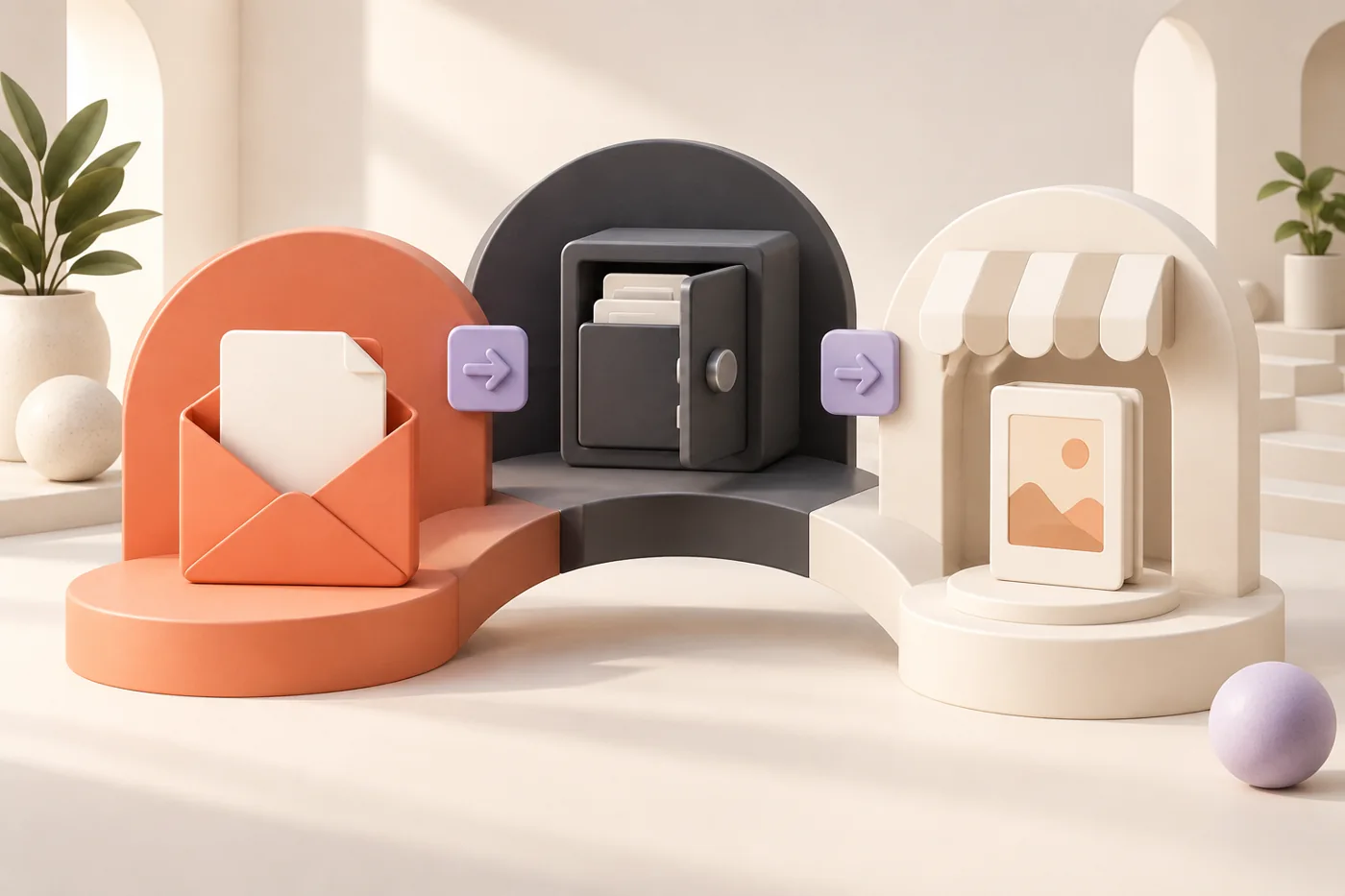
The transition from the native app to Big Digital Downloads is designed to be non-disruptive to your live store. You do not need to delete your existing products or change your Shopify theme code to make the switch. The process focuses on re-linking your existing Shopify products to the more powerful delivery engine.
First, you install Big Digital Downloads from the Shopify App Store. Once installed, the app will automatically sync your existing product catalog. You then go through your digital listings and attach the corresponding files. One major advantage here is the ability to attach multiple files to a single product or create bundles, which is a significant limitation in the native app.
The final step is to customize your delivery settings. You can set specific download limits (for example, 3 attempts per customer) and customize the look of your delivery emails to match your brand colors. If you use a specific brand color like #E8600A, you can ensure every touchpoint feels professional. Once your files are attached and settings are saved, you can safely disable the native app, and all future orders will be handled by the new system.
Recommended video: How to Create and Sell a Digital Product on Shopify. This tutorial provides a clear walkthrough of the digital product landscape on Shopify and explains the difference between basic setups and professional configurations.
Best Shopify apps for digital delivery
When comparing the landscape, Big Digital Downloads is built for the merchant who has outgrown the basics. It offers a free tier that allows for 250MB of storage and up to 50 orders per month, making it accessible for new stores. The primary advantage is the "Built for Shopify" status, which means it meets the highest standards for speed and integration. It handles PDF stamping, license keys, and professional file protection that the native app simply does not offer.
Shopify Digital Downloads remains the best choice for a brand new merchant who is selling their very first item and has zero budget. Its greatest advantage is that it is completely free and maintained by Shopify. However, the limitation is its simplicity. It lacks a customer download portal, does not support PDF stamping, and frequently leads to the "link expired" issues that frustrate growing businesses.
SendOwl is another long-standing competitor in this space. It is best for creators who need extremely advanced features like drip-feeding content over several weeks or built-in affiliate management. While it is a powerful tool, it can feel more complex to set up than native-style apps. The pricing also scales differently, which might be a consideration for high-volume stores looking for a more predictable monthly cost.
Tips for success
Before you go live with a new app, always perform a test purchase. Use a discount code to bring the price to $0 and go through the entire checkout flow as if you were a customer. Check if the download button appears on the thank you page and see how the delivery email looks in your inbox. This five-minute test can prevent a support disaster on launch day.
Communication is your best tool for reducing tickets. Even with a perfect delivery system, some customers will be confused by zip files on mobile devices. Include a short "How to access your files" section in your product descriptions or a link to a simple FAQ page. Providing a direct link to the Big Digital Downloads help center can also help customers troubleshoot common issues like browser download blocks on their own.
Decision checklist: Should you switch?
Choose the native Shopify app if: You have fewer than 10 sales a month and your files are simple PDFs under 50MB.
Choose Big Digital Downloads if: You get more than 3 support tickets a week about missing links, you sell large files, or you want to protect your work with PDF stamping.
Choose a high-end tool if: You need complex features like content dripping or a built-in affiliate network for your digital products.

FAQ
Why are my Shopify digital download links expiring?
The native Shopify app often uses temporary links that expire after a set period or a certain number of clicks to prevent sharing. If a customer's internet connection fluctuates during a download, it can count as an "attempt," effectively locking them out of their purchase before they have the file. Professional apps solve this by allowing you to customize these limits or providing a customer portal for permanent access.
Can I sell digital products and physical products in the same Shopify order?
Yes, Shopify allows you to mix product types in a single cart. When you use Big Digital Downloads, the app will detect which items in the order are digital and trigger the delivery for those specific files. The physical items will follow your standard shipping and fulfillment workflow, while the digital assets are delivered instantly upon payment.
How do I prevent people from sharing my digital files for free?
No system can 100% stop piracy, but you can make it much harder. Using PDF stamping to put the customer's personal information on every page is a massive deterrent. Additionally, setting a download limit of 3 or 5 attempts prevents a single link from being posted on a public forum and used thousands of times.
Does Big Digital Downloads work with Shopify's "Thank You" page?
Yes, the app is designed to integrate directly with the Shopify checkout experience. By placing a download button on the final order confirmation page, you give customers instant gratification. This drastically reduces the number of "I didn't get my email" tickets because the customer doesn't have to leave your store to get what they paid for.
Conclusion
Switching from a basic tool to a professional delivery engine is a milestone for any growing store. While the free native app serves as a great starting point, the efficiency and security provided by Big Digital Downloads are what allow you to scale without being buried in support tasks. By automating your fulfillment and protecting your assets, you can focus on creating your next bestseller. If you are ready to reclaim your time and provide a better experience for your customers, start with the free plan of Big Digital Downloads today.